

Take any order, at the counter, on the phone, or in the field.
BulkTrackPro puts the whole counter on one screen. Find or add the customer, build the order, set delivery or pickup, take payment, and schedule it, without paper tickets or a second system. The same screen works at the counter, over the phone, and out in the yard.
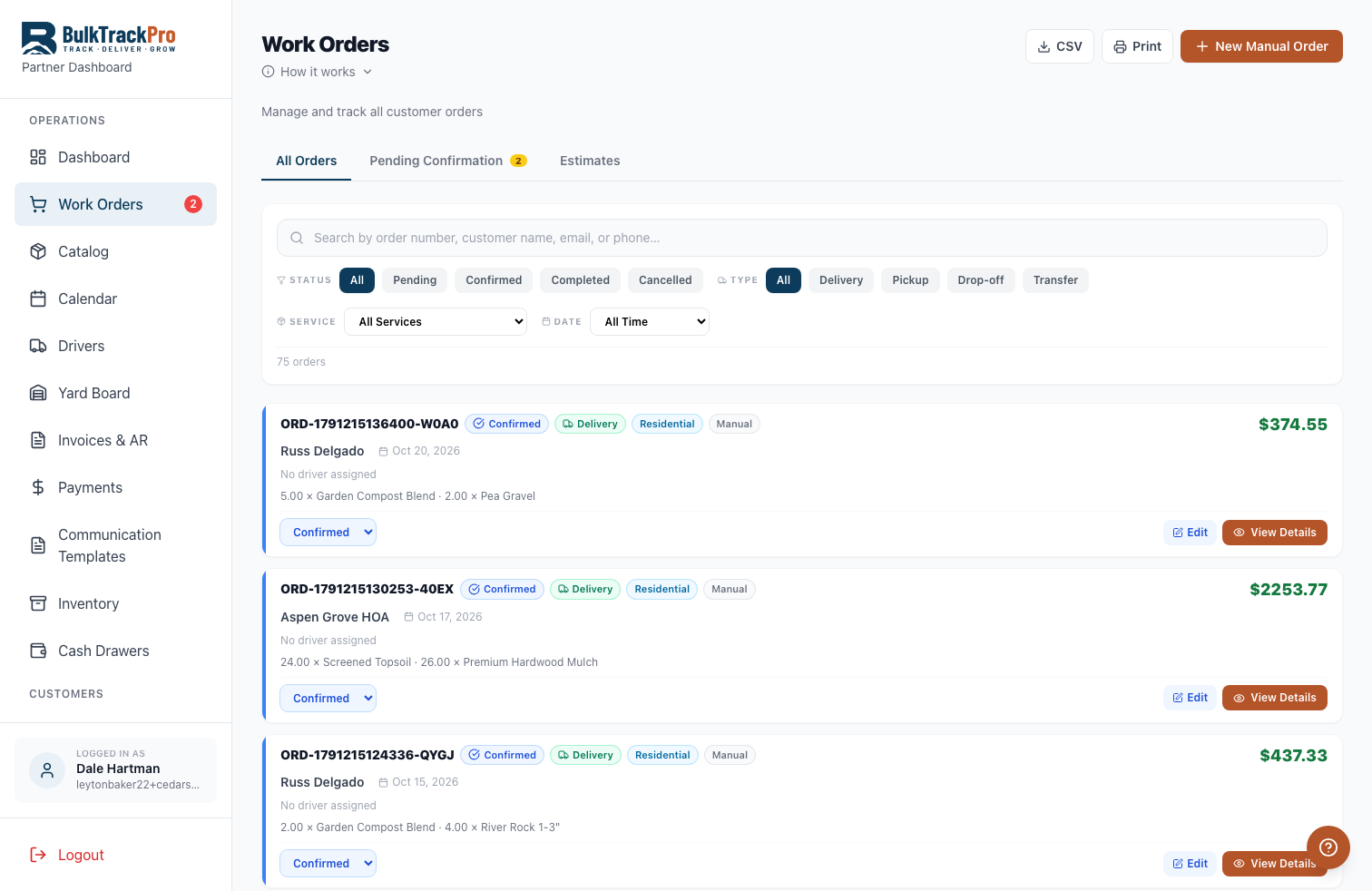
Built into the platform.
One screen for the whole order
Find or add the customer, add materials and quantities, set the fee, and schedule it without leaving the page.
Any way the order comes in
Take it at the counter, over the phone, or out in the yard on a tablet. The same screen handles all three.
Any payment, any terms
Charge a card, take cash or a check, run ACH, apply store credit, or bill it to the customer account.
Quote it, then close it
Send an estimate the customer approves and signs online, then turn the approved quote straight into an order.
From first call to confirmed order.
Pull up the customer
Search an existing customer or add a new one in seconds, with their addresses and pricing ready.
Build the order
Add materials by the yard or the ton, set delivery or pickup, and watch the price update as you go.
Take payment
Charge a card, take cash or check, run ACH, or put it on account, right from the order screen.
Schedule and send
Set the delivery date and the order flows into dispatch and invoicing on its own.
Questions, answered.
Can I take orders over the phone and at the counter?+
Yes. The order screen works the same whether a customer is standing at the counter, calling in, or you are out in the yard on a tablet.
What payment methods can I take?+
Card, cash, check, ACH bank debit, store credit, or bill to the customer account. You pick per order.
Can I send a quote first?+
Yes. Build an estimate, send it as a link the customer approves and signs online, then convert it to an order in one click.
Does the order flow into delivery and billing?+
Yes. Once you schedule it, the order shows on the dispatch board and generates its invoice automatically.
Take orders without the paper chase.
Order Taking is one piece of the platform built for mulch, topsoil, gravel, and aggregate suppliers. Book a demo and see it running with your own products.