

Delivery Scheduling for bulk material delivery.
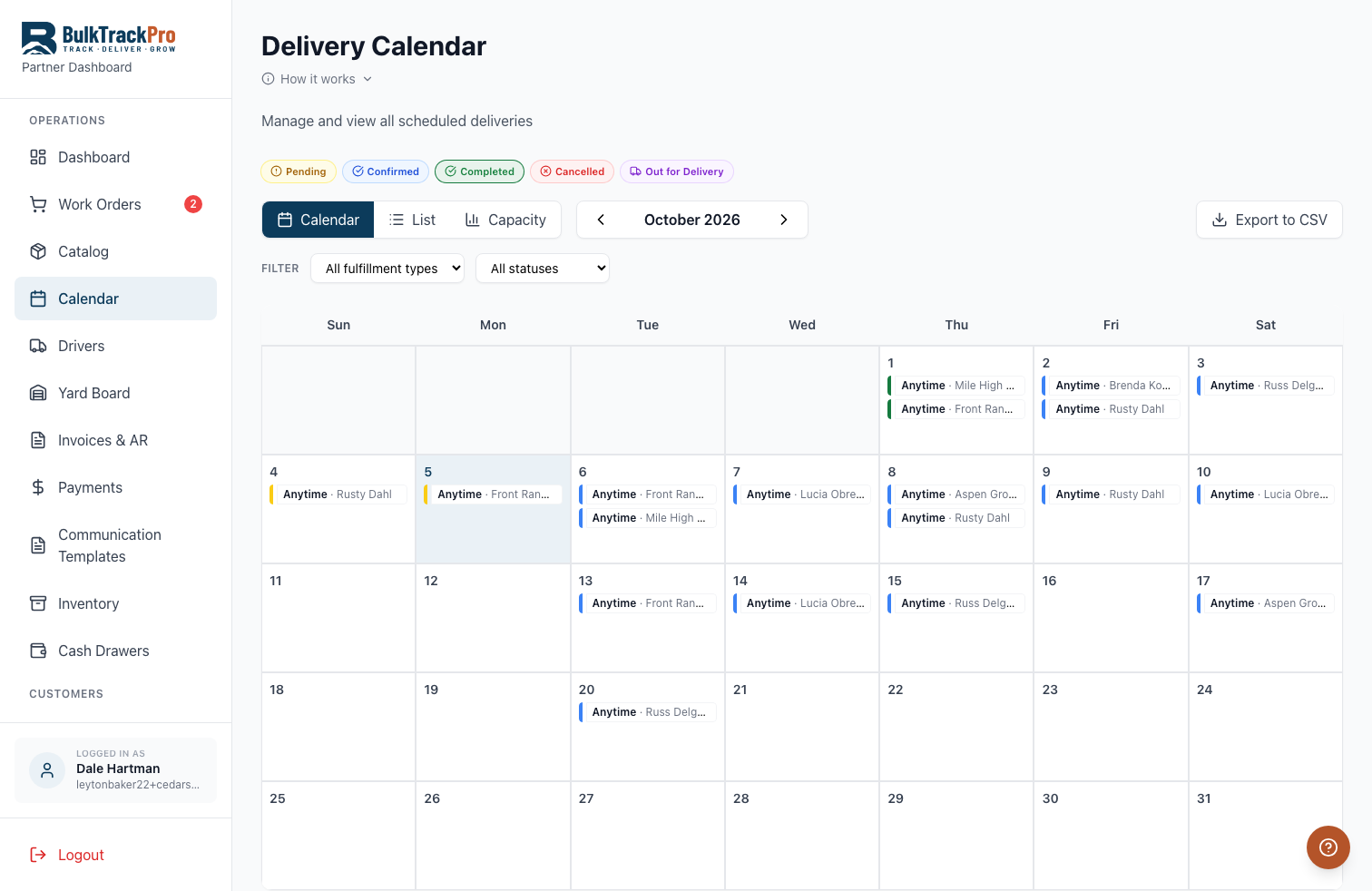
BulkTrackPro's delivery scheduling lets customers choose a delivery date when they order online, while you control how many deliveries you accept per day and what you charge by zone. Orders land on a dispatch calendar automatically, so your office stops playing phone tag to book every drop.
Built into the platform.
Self-service booking
Customers pick an available delivery date at checkout in your branded storefront, so bookings come in 24/7 without a phone call.
Daily capacity limits
Set how many deliveries you can handle per day so the calendar never oversells your trucks and crews.
Delivery zone pricing
Charge delivery fees by distance or zone, so a cross-town drop and a next-door drop are priced correctly and automatically.
One dispatch calendar
Every scheduled order shows on a shared calendar your office and drivers work from. No whiteboard, no spreadsheet.
From checkout date to dispatch calendar.
Set your zones and capacity
Define delivery zones and fees and set how many deliveries you accept each day.
Customers book online
Shoppers choose an available date at checkout and pay, and the order drops onto your calendar.
Dispatch assigns trucks
Your office assigns scheduled orders to drivers and trucks from the dispatch board.
Optimize and notify
Sequence the day's stops with route optimization and send customers automatic SMS updates.
Questions, answered.
Can customers choose their own delivery date?+
Yes. Customers select an available delivery date at checkout, limited by the daily capacity you set so you never overbook your trucks.
How does delivery zone pricing work?+
You define zones and fees, and BulkTrackPro applies the correct delivery charge automatically based on the customer's address at checkout.
Can I block out days or limit deliveries?+
Yes. You control daily delivery capacity and can cap or close specific days so the calendar reflects what your crews can actually handle.
Does scheduling work for commercial accounts too?+
Yes. You can set separate pricing, minimums, and delivery arrangements for residential and commercial customers.
Let customers book their own delivery date.
Delivery Scheduling is one piece of the platform built for mulch, topsoil, gravel, and aggregate suppliers. Book a demo and see it running with your own products.