

Dispatch & Live Tracking for bulk material delivery.
Dispatch and live tracking gives you one board where the day's deliveries sit next to a live map of your trucks. You drag an order onto a driver to assign it, or let BulkTrackPro auto-assign by zone and capacity. As trucks move, you see where each one is and can reassign or pull a delivery back before it goes out.
Built into the platform.
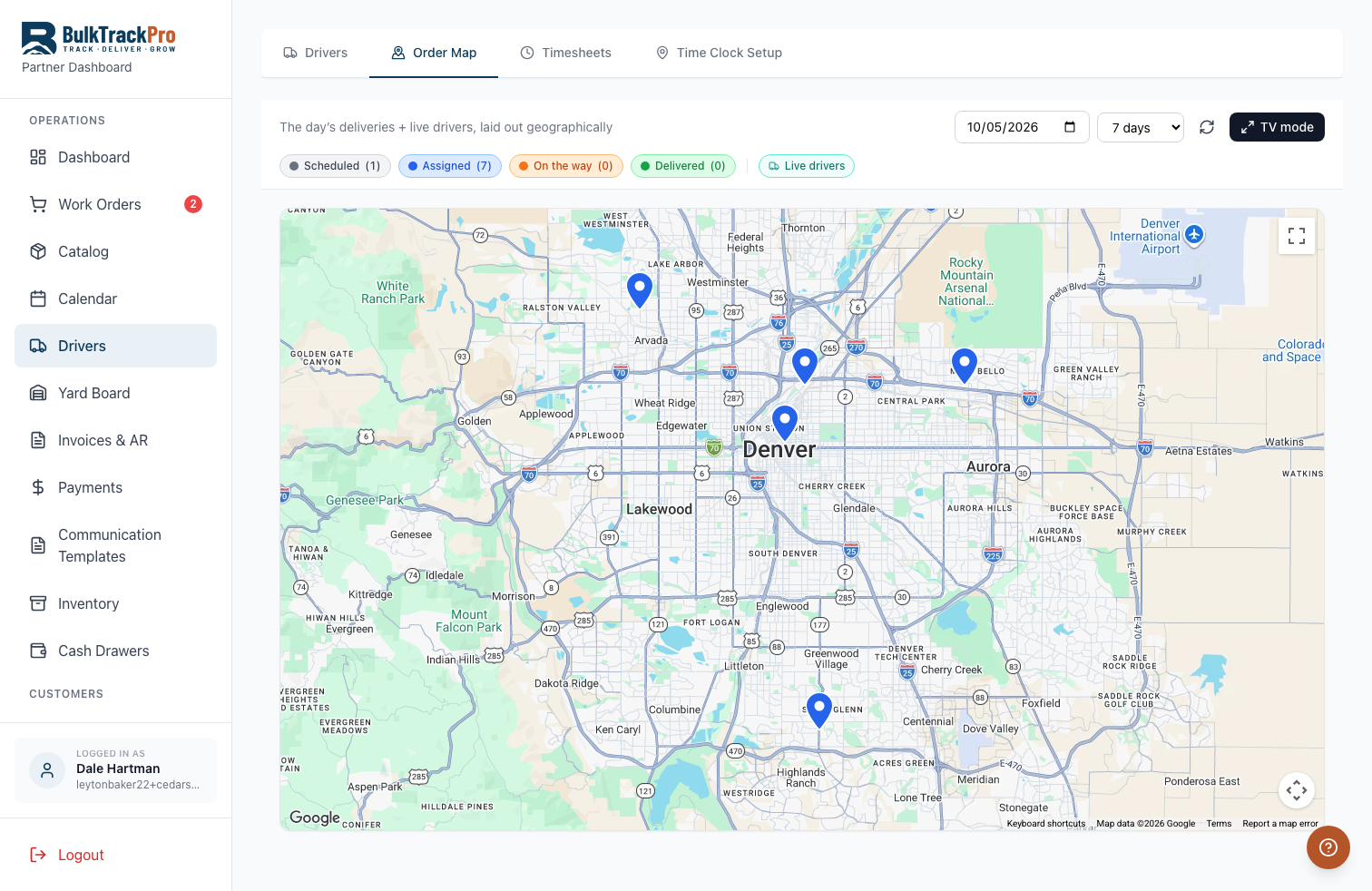
See the whole day on a map
Every scheduled delivery and every truck shows on one live map, so you know at a glance what is done, what is out, and what is still sitting on the board.
Assign with a drag
Drag an order onto a driver to hand it off. Move stops between drivers the same way when a truck breaks down or a route runs long.
Auto-assign by zone and capacity
Let BulkTrackPro group orders by delivery zone and truck capacity and build the driver loads for you, then adjust anything by hand.
Reassign or pull back fast
Plans change. Pull a delivery off a driver or move it to tomorrow without digging through screens or calling the yard.
From full board to trucks on the road.
Open the dispatch board
The day's scheduled orders load on one side and your drivers and trucks on the other, with a live map above them.
Build the loads
Drag orders onto drivers, or auto-assign by zone and capacity to fill each truck in a few clicks.
Send the trucks out
Drivers get their ordered stop list on their phone. You watch each truck move across the map in real time.
Adjust on the fly
Reassign a stop, pull a delivery back, or push it to tomorrow whenever the day changes.
Questions, answered.
How do I assign an order to a driver?+
Drag the order from the board onto the driver, or use auto-assign to have BulkTrackPro group orders by zone and capacity and build the loads for you.
Can I see where my trucks are right now?+
Yes. The live map shows each truck moving in real time as drivers run their stops, so you always know who is where.
What if I need to move a delivery to another driver?+
Drag it from one driver to another on the board. You can also pull a stop off entirely or reschedule it to a different day.
Do customers get a tracking link?+
With the SMS notifications add-on, customers can get a live tracking link so they see the truck approaching and stop calling the yard for updates.
Run every truck from one board.
Dispatch & Live Tracking is one piece of the platform built for mulch, topsoil, gravel, and aggregate suppliers. Book a demo and see it running with your own products.